
Turn a piano video into falling notes
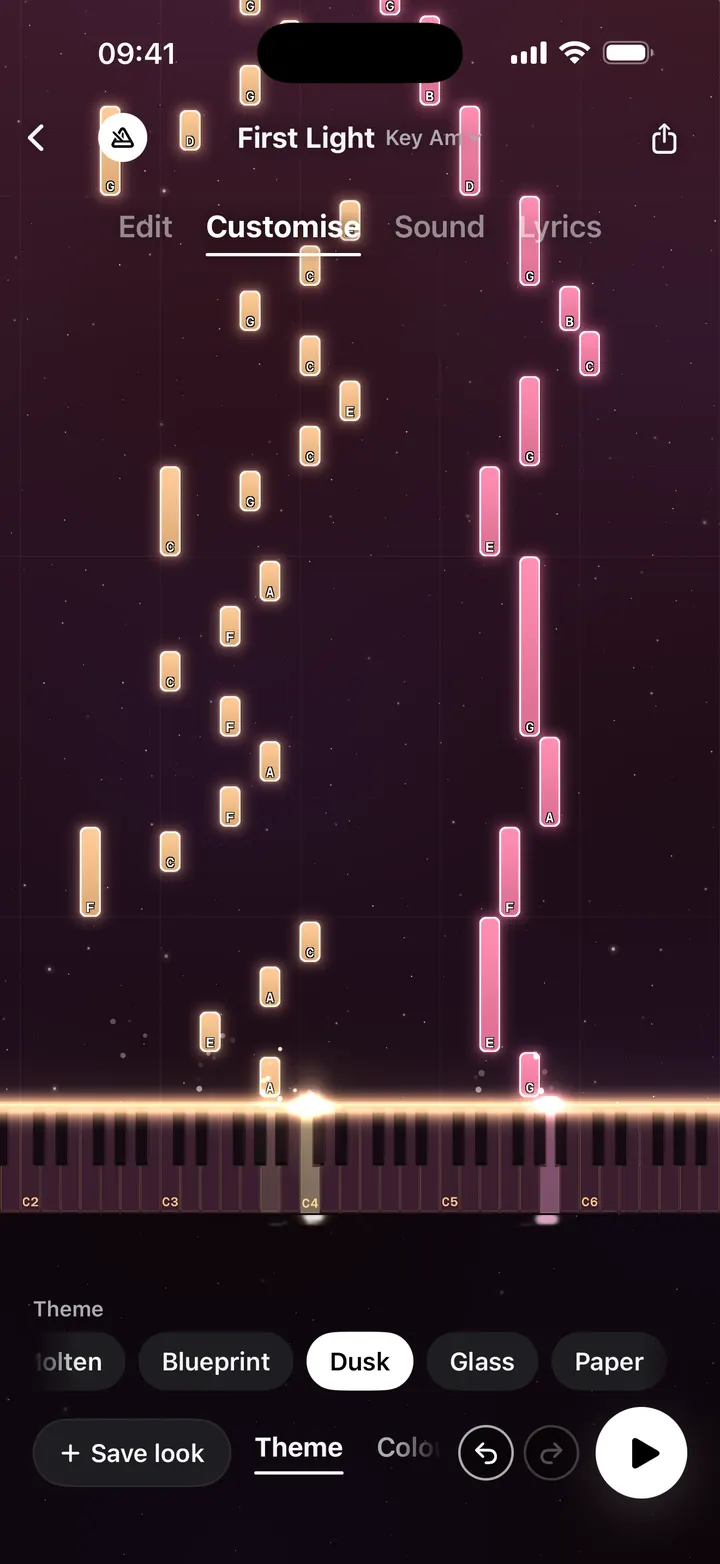
Blanc Notes turns a piano video or a recording into falling notes on your iPhone or iPad. AI transcription writes out every note, AI hand split gives each one to the left or right hand, and the piece plays as notes falling onto a lit keyboard, ready to learn, restyle or export.
How to do it
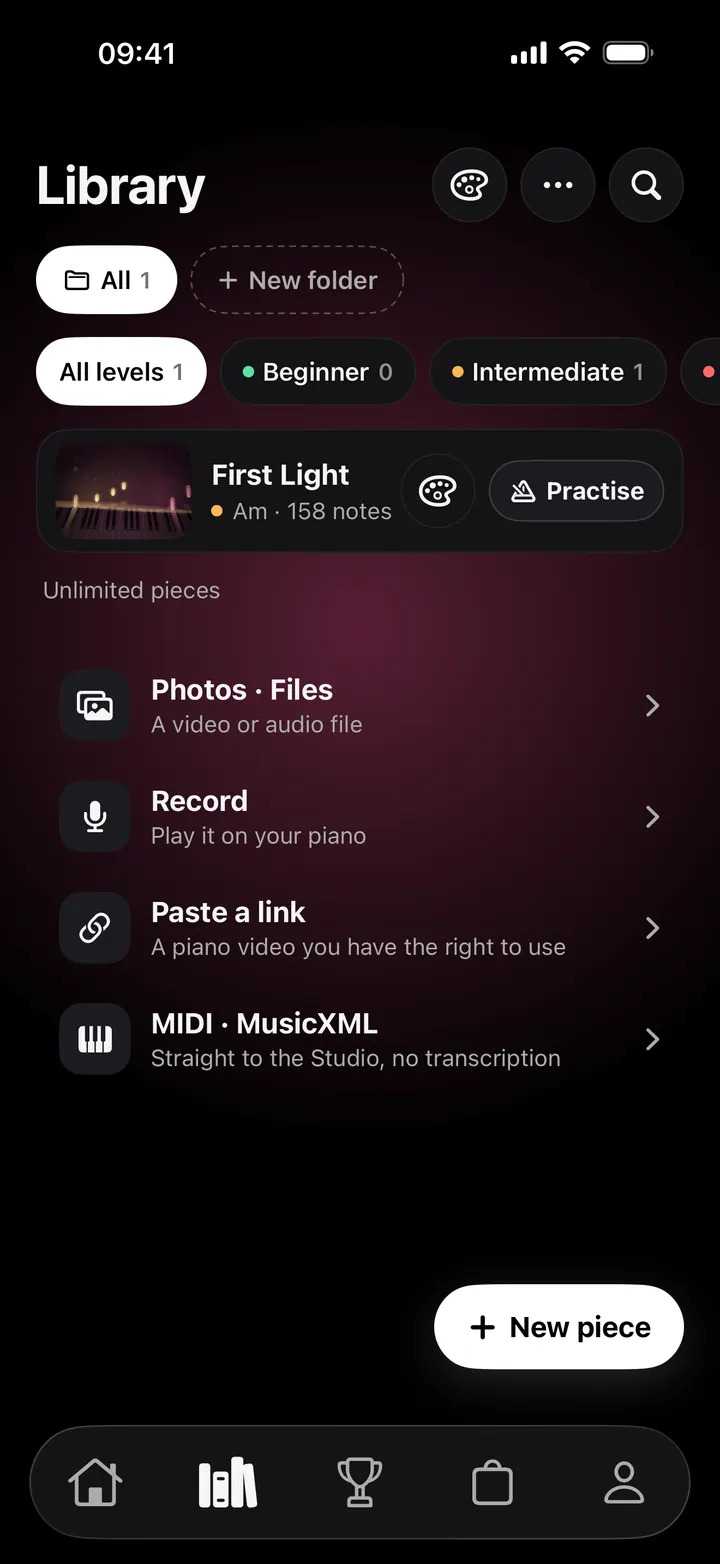
- Bring the video in. Share a piano video to Blanc Notes from another app, or tap + New piece and choose a video or audio file from Photos or Files. You can also paste a link to a piano video you have the right to use.
- Or record it. Tap Record and play at your own piano; the iPhone's microphone does the listening.
- Let it write the notes. AI transcription runs on your iPhone and writes out the notes. AI hand split gives each one to a hand, and the key and the bars are worked out for you.
- Check it and play it. The piece opens in the Studio as falling notes. Press play, or open Practice to learn it.
Next: learn it one hand at a time, make a video of it, or start from a MIDI or MusicXML file instead.
What gives the cleanest notes
Clear solo piano: one piano, no singing or band over it, recorded close enough that the notes are easy to hear. A phone recording of a piano in a quiet room works well. Videos with other instruments can still be written out, but expect more notes to fix.
Fixing a wrong note
Every note is yours to change. In the Studio, on Edit, drag a note to move it, pull its end to make it longer, delete it, give it to the other hand, or add one that's missing. Each change is saved with the piece, and you can undo.
How long a piece can be
On the free plan each AI transcription can be up to 59 seconds, and you can make 14 pieces a month. With Pro, up to 10 minutes each, as many as you like.
Free
14 pieces a month: AI transcriptions up to 59 seconds each, or MIDI and MusicXML files. Your 3 newest pieces open. Wait mode, Train and 1v1 play. Video export at 1080p and 60 fps with a small Blanc Notes mark.
Pro
Unlimited pieces, AI transcription up to 10 minutes each, every piece open, all twelve themes and every palette and effect, 4K export without the mark, 3D hands, your own background and lyrics. The yearly plan starts with 7 days free, once per Apple Account. The app shows your price before you pay.
Use music you've made or have permission to use.
Questions
Which app turns a piano video into falling notes on iPhone?
Blanc Notes does. Share a piano video or recording to it, and AI transcription on the iPhone writes out the notes as falling notes on a lit keyboard, with each note given to a hand. It's free to download, for iPhone and iPad.
Can I turn any piano video into falling notes?
You can turn a piano video you've made or have permission to use into falling notes. Clear solo piano gives the most accurate notes; other instruments and singing make more notes to fix.
Does the transcription happen on my phone?
Yes. AI transcription runs on your iPhone or iPad.
How long can the video be?
Up to 59 seconds for each AI transcription on the free plan, and up to 10 minutes with Pro.
Can I get a MIDI file instead?
Blanc Notes works the other way round: it opens MIDI and MusicXML files and turns them into falling notes. See the MIDI and MusicXML guide.
More guides
Get Blanc Notes
Free to download, for iPhone and iPad with iOS 18 or later.
Download on the App Store